
Teams need more than a clever reply. OmniLore helps you find evidence, take a safe next step, and hand work forward — without losing track of who can see or do what.

OmniLore Quest™
Email your OmniLore agent the way you email anyone else.
Humans communicate with each other over email. Why shouldn’t you communicate with your OmniLore agent the same way? Keep working after you close chat. When it needs you, it writes to the inbox you pick — and you reply in that thread.
Start with real work
Start with the work in front of you
Find the answer
Ask approved guidance or search the public web with citations. If evidence is missing, OmniLore should say so.
Bring the work with you
Attach a document or image for a summary, comparison, draft, or next step when your role allows.
Move a project forward
Inspect a private repository, preview a compact page in the browser, or continue a handoff with a result receipt.
One suite, clear roles
The OmniLore product map
OmniLore Chat
Grounded answers, files, and permissioned agents. New chats start in OmniLore mode.
RepoHub
Private Git for invited teams — granted after admission, not at signup.
CodeHub
Pair in Chat: confirm a private project, then open a compact in-browser preview.
CoTrinity
VS Code and Cursor on Windows and Linux, plus an optional CLI — for approved developers, including remote seats.
Mail + Cloud
Organization mail and files.
A private forge for software teams
Keep your code close. Pair where you already work.
RepoHub is private Git for invited teams. CodeHub is the Chat pair loop. CoTrinity is the desktop companion for approved developers. Ordinary Chat invitations do not install CoTrinity.
Preview in the browser
Describe an idea in CodeHub, confirm, and open a compact live preview. RepoHub’s file view still does not run the app.
Save, check, then commit
CoTrinity can write a file, run tests in a sandbox, and — on a green receipt — commit a topic branch. You stay in control of merge.
Remote seats and CLI
Approved developers use a verified package, not a public store. Optional CoTrinity CLI for the terminal. Chat and mail still work in the browser.
Keep the model close to the work.
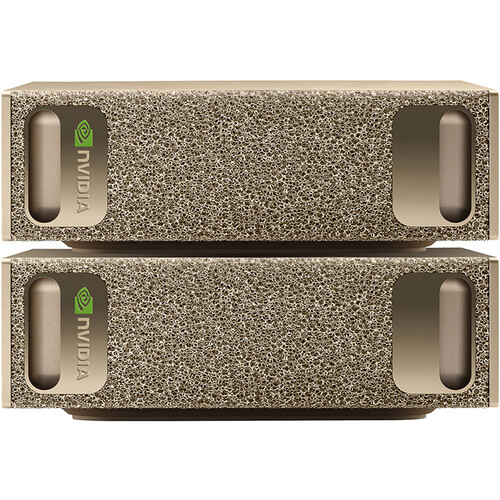
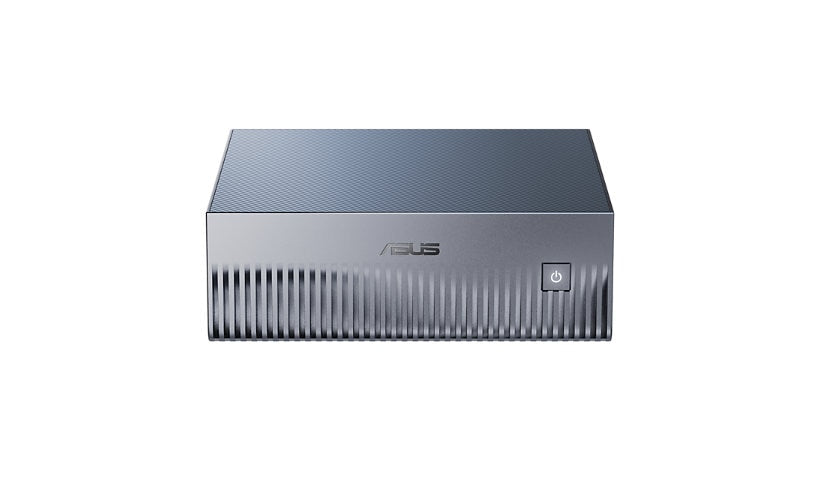
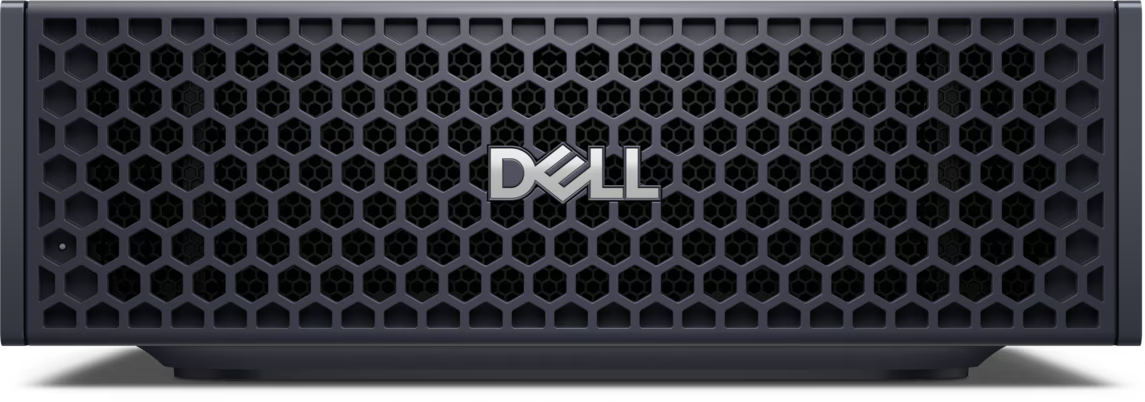
Run OmniLore on customer hardware with compatible local models for private work. Choose an external provider when it fits. See local deployment and hardware requirements.
OpenClaw, ready for business
Bring capable agents into work you can stand behind.
OpenClaw brings local agents. OmniLore adds members, workspaces, connections, local models, reviewable actions, and evidence — so capable help stays inside work you can stand behind.
In the conversation
What’s new at OmniLore
Desktop clients, email-your-agent, and customer-controlled infrastructure.
CoTrinity on Windows and Linux
VS Code and Cursor, native Windows (no WSL) and Linux, plus an optional CLI. Remote developers sign in from their own machine. Verified package — not a public store.
OmniLore Quest — email your agent the way you email a person.
Keep working after you close chat. When it needs you, it writes; you reply in the thread.
Desktop clients stay permissioned
An approved workstation can connect a desktop client to the same OmniLore services. It is not a free shell, and a Chat invitation does not install it.
Why OmniLore
Control you can understand
Grounded
Official guidance and cited public sources come before unsupported claims.
Permissioned
Agents receive only the tools and information allowed for the signed-in member. A denied action stops there.
Separated
Personal conversations, workspaces, and connected sources are not ordinary cross-member search.
Continuous
Handoffs, intent, and personal memory help work continue without replacing approved records.
Connections are choices
Your workspace can meet the tools you already use
Connect approved mail, files, repositories, Google services, design tools, and model providers. Requests send only needed information.
Mail and cloud
Use approved organization mail and files when your role and connection allow it.
Private RepoHub
Inspect authorized repositories and request authenticated snapshots without making them public.
Google services
Connect a personal Google corpus only after consent and with the connector's terms visible.
Design and model providers
Use selected providers through explicit, role- and capacity-gated connections.
Where your AI runs
Local when you want it. Connected when it helps.
On-prem by choice
Run compatible requests on local models and operator-controlled hardware when work should stay close to home.
Right-sized for the job
Keep everyday work local and enable heavier image or media jobs separately when supported.
External by consent
Use selected providers when you choose. Requests are named, bounded, and governed by their terms.
Controlled-beta limits
- Access is invitation-only and capabilities vary by account, connection, and current capacity.
- Image understanding and image creation are enabled by role and capacity. An attachment never bypasses workspace or member permissions.
- AI output can be wrong. It is not legal, medical, or financial advice; verify consequential decisions.
- Chat is not a free shell, a full IDE, or an unattended merge and deployment system. CoTrinity and the CLI are for approved developer seats, delivered as a verified package — not a public marketplace listing.
- Quest keeps work going after you close chat and emails when it needs you. It is not a finished research pack, an inbox digest, or an unattended pull request.
- Local models do not automatically make the workspace air-gapped. Connected requests use OmniLore services and any provider the member chooses.
- Beta service may change or pause, and uninterrupted availability is not promised.
Ready to see the workspace?
Existing members can sign in. Teams evaluating a private beta can request a walkthrough.